

 NIIMBOT

Technical Tip: Open your NIIMBOT B21, B3S, or B1 printer hatch, place the 50x50mm Red roll inside so the printing face handles down toward the cutter opening, and ensure the label leads out slightly past the roller before clicking the lid firmly shut. Ensure your mobile device’s Bluetooth connection is active, open the NIIMBOT App, and allow the printer’s built-in automatic RFID chip sensor to instantly recognize and set your workspace canvas to the 50x50mm / 145 Sheets template. For best results on color paper, choose clean, solid black fonts and avoid overly fine gray-shaded images. Press print, let the thermal element execute your design, and pull the finished label upward against the integrated serrated teeth for a clean tear!
Be the first to review “Niimbot B series 50×50-145 Red”
Related products
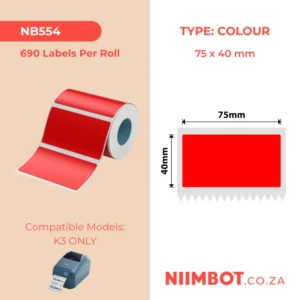
6.00 $
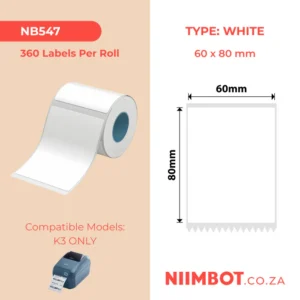
4.50 $
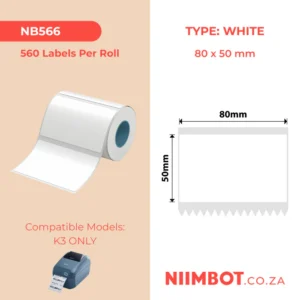
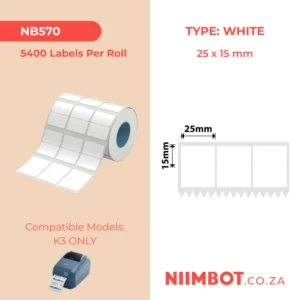
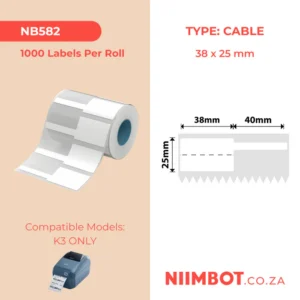
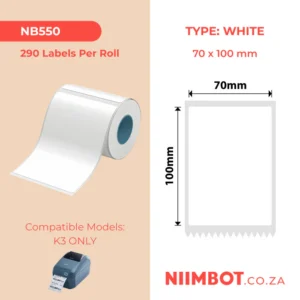
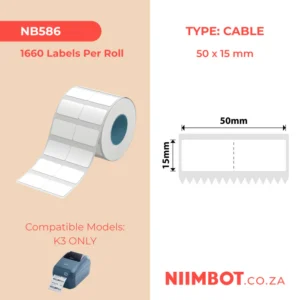
k3 labels
NIIMBOT – K2 / K3 – T80X50MM – 560 LABELS PER ROLL – WHITE
Available on: August 31, 2026 at 3:23 pm
4.50 $
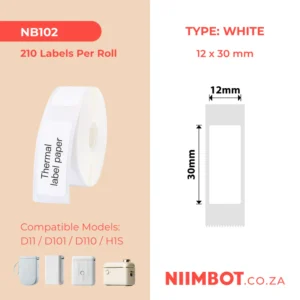
4.50 $
Reviews
There are no reviews yet.