


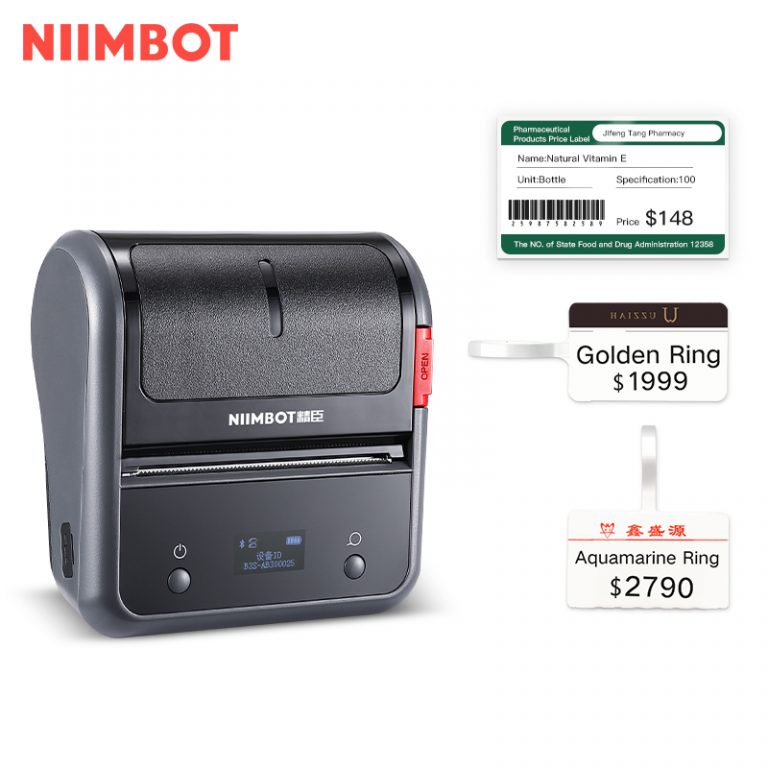
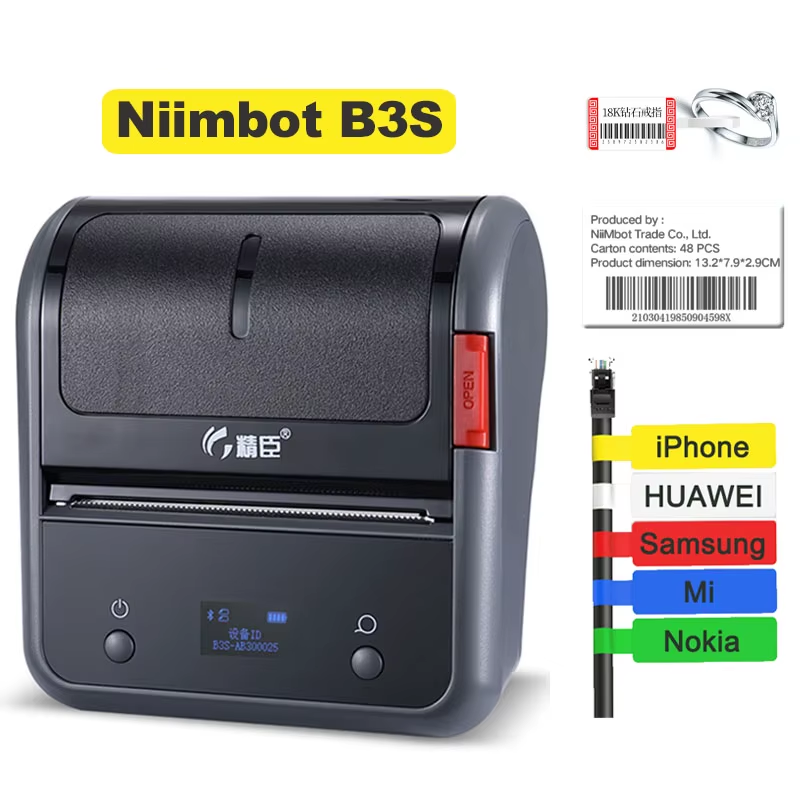


How print receipt invoice
| Feature | Specification |
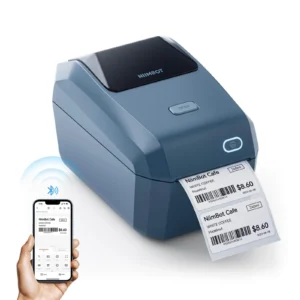
| Model Profile | NIIMBOT B3S (Wide-Format Commercial Smart Series) |
| Supported Tape Width | 20mm to 75mm (Up to 3 Inches Wide) |
| Connectivity Grid | Dual-Mode Bluetooth (Mobile iOS & Android) / Type-C USB (PC Setup) |
| Printing Technology | Direct Thermal (Zero Ink, Toner, or Ribbons Required) |
| Resolution Density | 203 DPI (Dots Per Inch) |
| Power Engine | 2200mAh Built-in Rechargeable Lithium Battery |
| Charging Interface | High-Speed USB Type-C Port |
| Software Suite Compatibility | NIIMBOT App (Mobile Cloud Saving) & NIIMBOT Desktop Software |
Why the NIIMBOT B3S is an Operational Essential? (Sales Insight)
The Ultimate All-in-One Multi-Tasker: Unlike smaller pocket labelers capped at 15mm or 50mm, the B3S features an expansive, adjustable paper feeding bay that effortlessly scales from small 20mm pricing squares all the way up to large 75mm commercial tracking grids. It handles standard price tags, asset tracking, jewelry wraps, and shipping updates from a single device.
Intelligent Zero-Waste Alignment: Cheaper generic thermal printers require complex, manual measurements and often waste 2 to 3 starter stickers just trying to get the margins centered. The B3S uses smart RFID hardware to communicate with the application, mapping out the canvas bounds immediately so your very first sticker prints perfectly centered.
Rugged Mobility for Busy Workspaces: Built with a resilient, shock-absorbing chassis layout and a heavy-duty 2200mAh battery, the B3S handles a full shift of continuous printing without tethering you to a wall outlet. It allows you to log assets right on the inventory floor, moving freely between storage shelves and shipping desks.
Technical Tip: When setting up your new B3S bundle, ensure you charge the battery fully via the included Type-C cable before its first heavy batch print run. Open the adjustable guide sliders inside the paper bay and snap them snugly against the edge of your starter tape roll to prevent any lateral drifting. Launch the NIIMBOT App via Bluetooth, allow it to auto-detect the smart RFID tag, and select your formatting template. For complex 2D QR matrix grids or detailed sans-serif fonts, navigate to the print properties window and toggle the speed to Medium and the print density to High—this matches the thermal head’s heat signature to the synthetic coating perfectly for clean, smudge-proof, factory-grade borders!
1 review for NIIMBOT B3S 3 Inch Label Printer
Add a review
Related products
M2 Ribbon and labels
mahmoudbizri –
Good