


 NIIMBOT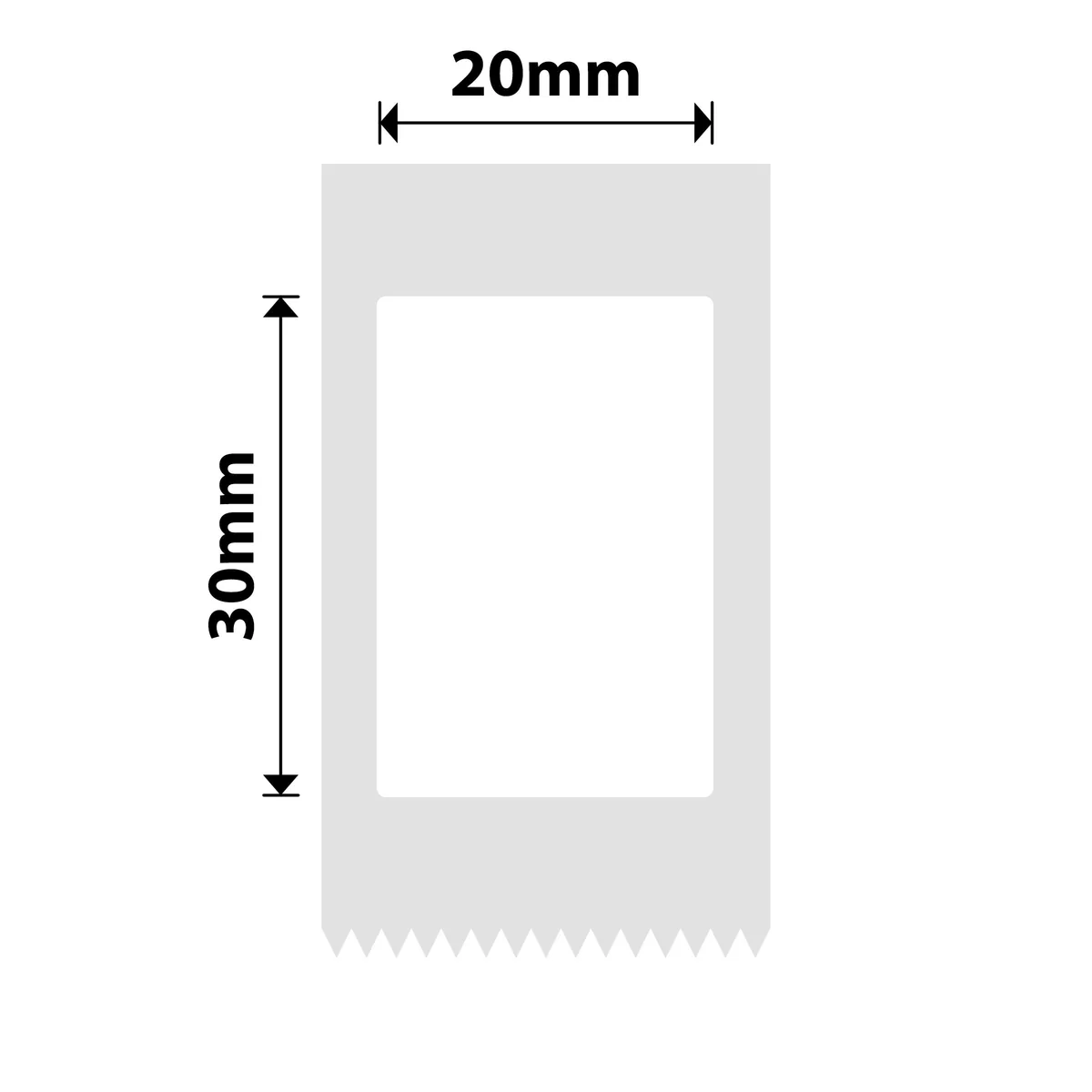
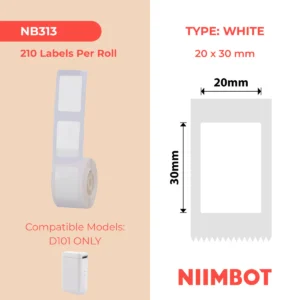
Clean white labels perfect for neat, compact and professional labelling.
Compatible With:
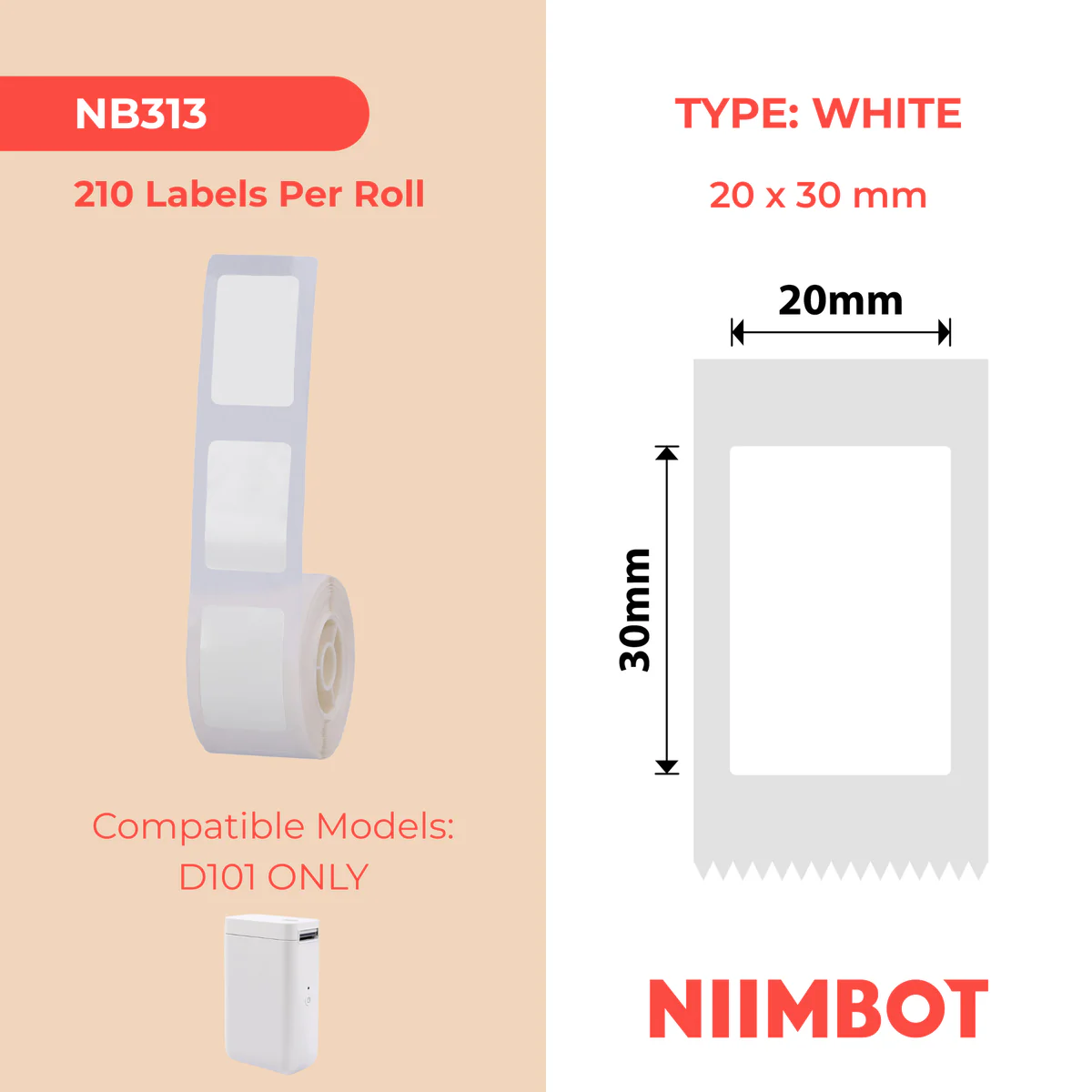
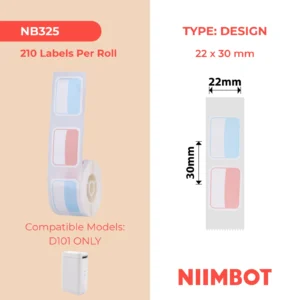
Niimbot D101 Only
Size:
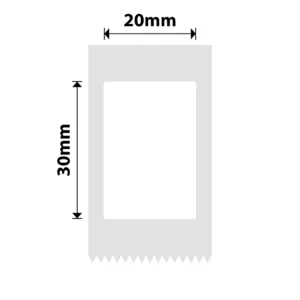
20×30mm
Labels Per Roll:
210 Labels
Features:
• White label material
• Rectangular label shape
• Direct thermal printing
• No ink required
• Strong adhesive backing
• Easy peel application
What’s Included:
1 × Niimbot 20×30mm White Label Roll (210 Labels)
Why the D101 Only 20x30mm White Roll is an Operational Essential? (Sales Insight)
The Perfect Micro-Sized Balance: Labeling small assets like cosmetics, essential oil bottles, or electronics hardware can be tricky. A label that’s too big looks sloppy, but a label that’s too small compromises readability. The 20x30mm dimensions provide an ideal layout, giving you enough surface area to house clear text and linear barcodes while fitting perfectly on tight surfaces.
High-Tack Security with a Clean Release: Formulated with an advanced acrylic self-adhesive layer, these white sheets grab fiercely to glass jars, smooth plastics, brushed metals, and cardboard. Yet, when price tiers change or storage categories need an update, the entire sticker pulls away cleanly in one piece without tearing or leaving sticky glue behind.
Engineered for High-Yield Efficiency: Packing 210 individual stickers onto a single compact core gives your small business or office tagging project immense material mileage. You can run large-scale batch coding operations or complete an entire stockroom inventory overhaul with far fewer roll swaps.
Technical Tip: Slide the 20x30mm roll into your NIIMBOT D101 printing chamber, making sure the white printable side faces toward the printhead and feeds straight through the internal guide track. Once the hatch is securely snapped closed, open your mobile design app via Bluetooth, set your device type to D101, and select the matching 20x30mm layout template. When configuring your graphics on the canvas, center your fonts and leave a safe 1.5mm padding boundary around the outer edges to avoid edge clipping. For the absolute sharpest, high-contrast barcode responses, enter your application settings and set the configuration to High Print Density!
Be the first to review “Niimbot D101 only 20X30MM-210 White Labels”
Related products
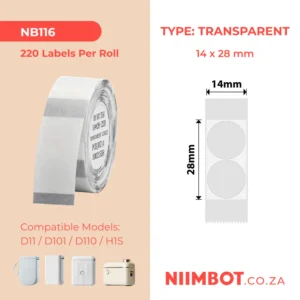
D101 Labels
D101 Labels
Reviews
There are no reviews yet.